
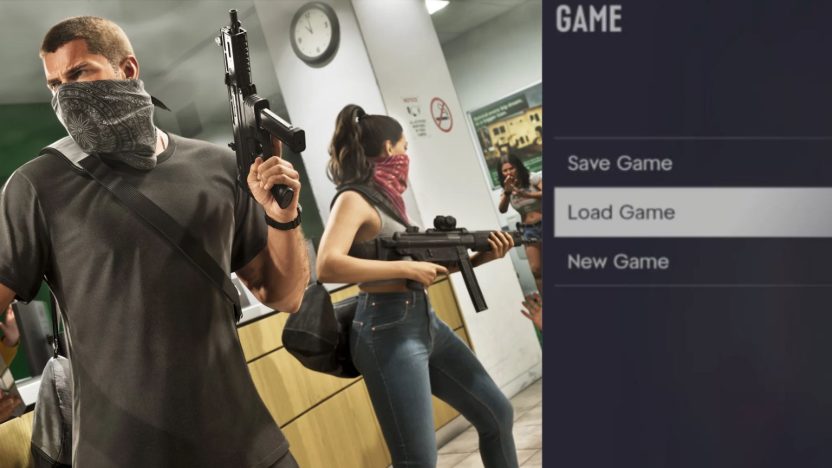
GTA 6 is now out for millions around the globe, and the game has certainly impressed a lot of players already. However, because of just how detailed the title is, some may find it overwhelming at first, with a few mechanics seeming difficult to understand initially.
When loading into GTA 6 for the first time, here's a list of a few things you can do to improve your experience. Moreover, understanding the game's save system is important, since GTA 6's autosave is somewhat inconsistent. Here's how you can make the most of the game's save system.
How Saving Works in GTA 6

To start, note that GTA 6 does indeed come with an autosave function. However, autosaving isn't as reliable here as you would expect, so it is recommended to avoid depending on it too much, especially in the event of a potential crash or power cut that results in the game closing unexpectedly.
The game is meant to automatically save your progress after story missions and specific side content wraps up. However, this may not always work, and inconsistencies within the system could result in you losing critical progress.
Fortunately, the game also features manual saving like its predecessors. Saving the game manually is very convenient and requires navigating to the pause menu. Still, it should be noted that the game can't be saved during story missions, and manual saving only unlocks once the Prologue is over. Saving is also disabled when players are Wanted or engaged in a combat sequence.
Saving the game manually is encouraged in GTA 6, and this is evident by the fact that Rockstar Games offers a total of 15 manual save slots as opposed to the single autosave slot.
How to Save Your Game in GTA 6
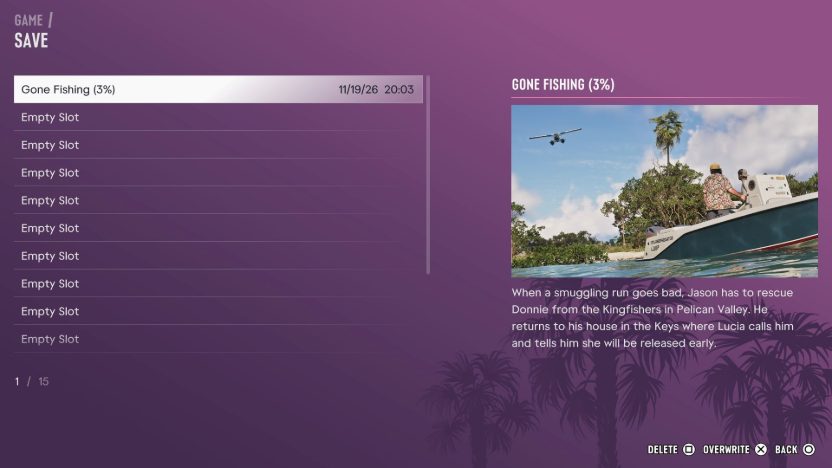
To save your game manually, simply pause GTA 6 with the button on PS5 or the button on Xbox. Select Game, then pick the Save Game option, after which you can pick the slot to save your progress in.
The same menu includes the option to Load Game or start a New Game should you be interested in those. You can also load your autosave from Load Game in the same menu.
Why You Should Frequently Save Your Game Manually
As mentioned earlier, GTA 6's autosave system isn't the most reliable. Multiple reports of lost progress have been made over the last day since the game's release, so players are encouraged to save manually whenever possible.
One reported case shows that streamer JasonTheWeen lost over 10 hours of progress in the game due to overly relying on autosaves. This is, of course, something everybody would want to avoid, especially this early on.
The game also features certain choices within various missions, and these choices are set in stone if the autosave does indeed kick in. Since there is no mission replay in GTA 6, having an existing manual save beforehand can allow you to potentially replay such missions and check the outcomes of different choices.
It's especially worth keeping a manual save before Tourist Trap, the point of no return at the end of Chapter 1.
Generally, GTA 6's saving system is perhaps a bit old school compared to most modern games where players don't really need to bother with saving their progress at all. This is likely a design choice Rockstar Games made early on, since Rob Nelson has previously touched upon how saves work in GTA 6.
New to Leonida? See what to do in your first hour in GTA 6, how to fast travel, the full GTA 6 controls guide, and all our GTA 6 guides.
or post as a guest
Be the first to comment.