
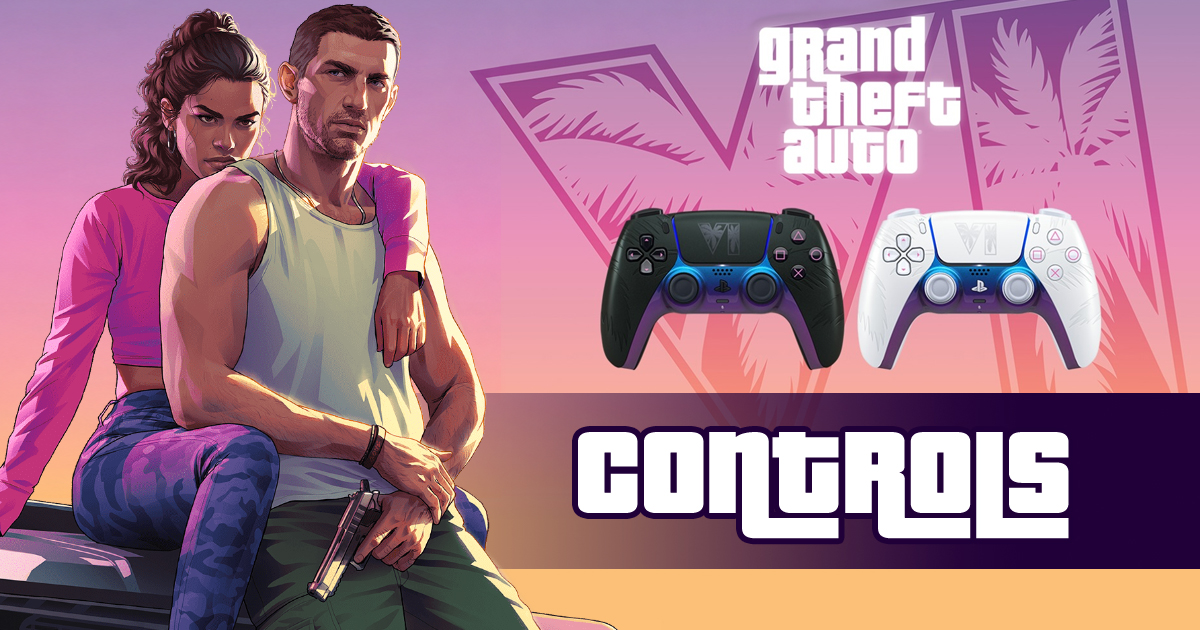
On this page, you can find the complete GTA 6 controls guide for PS5 and Xbox Series X|S, including on-foot movement, combat, driving, aircraft, bicycles, swimming, and parachuting.
This guide organizes the available GTA VI button layouts into easy-to-read tables, with PlayStation and Xbox controls shown side by side. Use the contents menu to jump directly to the controls you need.
Note: This guide is based on everything we know about GTA 6 so far, including the gameplay footage released to date. The control schemes are subject to change and will be updated with the definitive controls once the game is released. PC controls will also be added as soon as GTA 6 is released for Windows PC.
GTA 6 Controls Guide
GTA 6 Controls for PS5 and Xbox Series X|S
On-Foot Controls
| Movement | PS5 | Xbox |
|---|---|---|
| Move Character |  |
|
| Look / Turn Camera |  |
|
| Jump / Climb |  |
 |
| Crouch |  click click |
 click click |
| Run / Sprint | click |
click |
| Look Behind |  click click |
 click click |
| Combat | PS5 | Xbox |
| Punch / Melee |  |
 |
| Target / Aim Weapon |  |
 |
| Shoot |  |
 |
| Reload | |
|
| Swap Target | |
|
| Weapon Wheel Then select with |
 hold hold |
 hold hold |
| Swap Weapons |  |
 |
| Zoom In / Out Sniper rifle |  |
|
| Interaction | PS5 | Xbox |
| Enter / Exit Vehicle |  |
 |
| Interact Knock door, grab item, pet animal | |
|
| Swap Character Jason/Lucia |  |
|
| Phone |  |
|
| NPC interaction | PS5 | Xbox |
| NPC Interaction Menu When unarmed | |
|
| NPC Positive Interaction |  |
 |
| NPC Negative Interaction | |
|
| Menus & map | PS5 | Xbox |
| Map Zoom | |
|
| Change Camera Mode |  |
 |
| Pause Menu |  |
 |
Vehicle Controls
| Driving | PS5 | Xbox |
|---|---|---|
| Accelerate | |
|
| Brake / Reverse | |
|
| Steer Left / Right |  |
|
| Lean Forward Bike stoppie |  |
|
| Lean Back Bike wheelie |  |
|
| Handbrake | |
|
| Actions | PS5 | Xbox |
| Exit Vehicle | |
|
| Shoot | |
|
| Horn / Siren | click |
click |
| Radio Station Wheel Then select with |
 hold hold |
hold |
| Camera | PS5 | Xbox |
| Look / Turn Camera | |
|
| Look Left | |
|
| Look Right | |
|
| Look Behind | click |
click |
| Change Camera Mode | |
|
Plane & Helicopter Controls
| Action | PS5 | Xbox |
|---|---|---|
| Thrust / Ascend | |
|
| Reverse / Descend | |
|
| Rudder Left / Right | / |
/ |
| Roll Left / Right | |
|
| Pitch Forward / Back | |
|
| Raise / Lower Landing Gear | click |
click |
| Auto-Hover Mode | |
|
| Primary Weapon | |
|
| Alternative Weapon | |
|
| Turret / Camera | |
|
Bicycle Controls
| Action | PS5 | Xbox |
|---|---|---|
| Pedal | hold |
hold |
| Brake | |
|
| Bunnyhop | |
|
| Shoot | |
|
| Ring Bell | click |
click |
Swimming Controls
| Action | PS5 | Xbox |
|---|---|---|
| Swim | hold |
hold |
| Jump / Dive | |
|
| Dive Underwater | |
|
Parachute Controls
| Action | PS5 | Xbox |
|---|---|---|
| Deploy Parachute Fire weapon once deployed | |
|
| Detach Parachute Once deployed | |
|
| Parachute Smoke | hold |
hold |
| Pitch Forward / Back Forward = down, back = up | |
|
| Turn Left / Right | |
|
| Brake Left / Right | / |
/ |
| Precision Control | + |
+ |
| Aim Weapon | |
|
| Cycle Drive-By Weapons | |
|
GTA 6 Changes the Classic Sprint Controls
For the first time in decades, GTA 6 is moving away from the iconic tap-to-sprint mechanic featured in previous Rockstar games. Instead of repeatedly tapping X on PS5 or A on Xbox, players will reportedly press L3 (the left analog stick) to sprint. This change should make movement feel more fluid and free up the face buttons for other actions.
For more on GTA 6, check out our main GTA 6 Hub and the list of confirmed Vehicles for the game.


or post as a guest
Be the first to comment.