
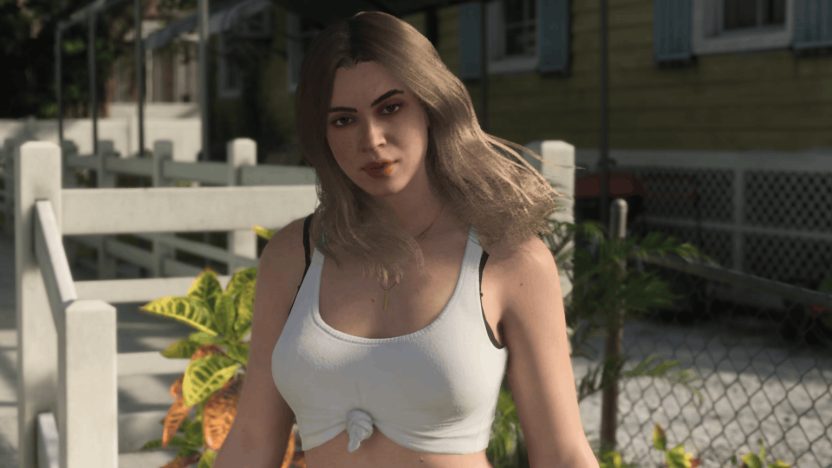
First-person POV is limited in GTA 6, as there’s no option to keep it on permanently. Unlike GTA 5, which added a full first-person mode with its PS4 and Xbox One release, GTA 6 only lets you see Leonida through your character’s eyes during a few specific actions, each with its own drawbacks. Note that this article was written when GTA 6 launched for PS5 and Xbox Series X|S.
You can currently get a first-person view both on foot and in a vehicle. The easiest method is Inspect Surroundings on foot, but you can’t move around while using it. Otherwise, you can use your phone or a scope (including binoculars) to get a first-person view.
How to Go First-Person While Standing Still (Inspect Surroundings)
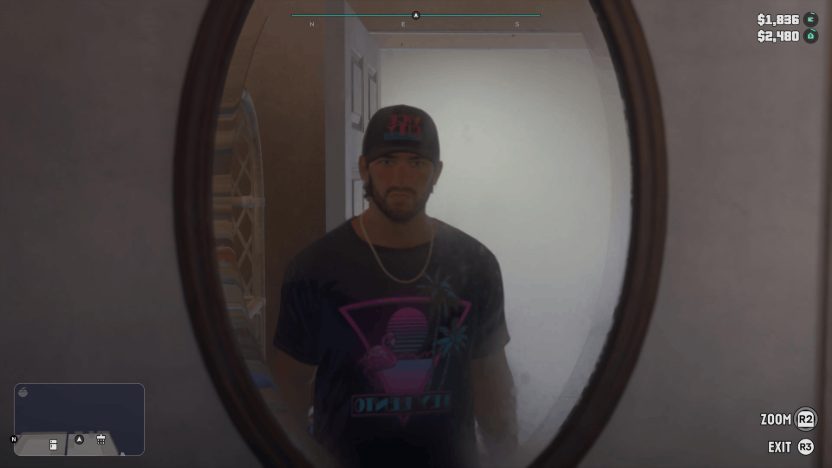
Whether you’re playing as Jason or Lucia, make sure you’re on foot and standing still, then use the following button commands for your console:
- PS5: Hold L2 and press R3
- Xbox Series X|S: Hold LT and click the Right Stick (RS)
This enables Inspect Surroundings. You can move the camera around freely, but you can’t move your character while it’s active. Press R2 (PS5) or RT (Xbox Series X|S) to zoom in.
How to Go Partial First-Person With Your Phone
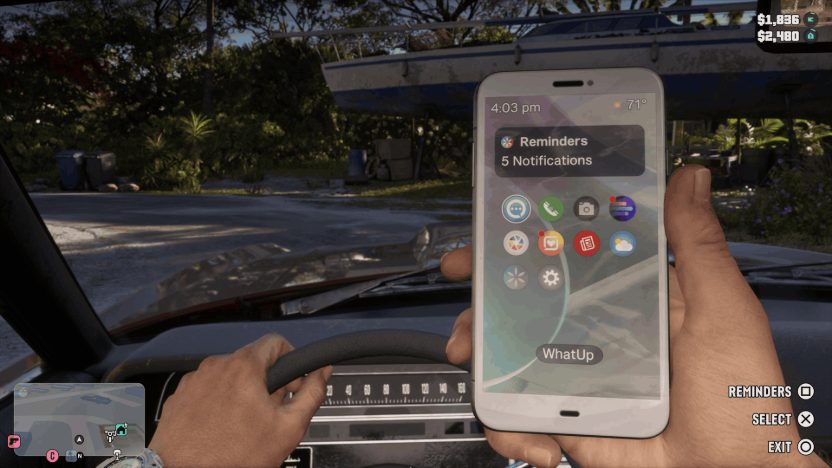
Although it’s not a true first-person view, you can get something similar by holding your phone. Press Up on the D-pad to bring up your character’s phone. This works in vehicles, so you can keep driving in first person as long as the phone is out. The main issue is that the phone blocks part of the screen, so your view is worse than with Inspect Surroundings.
Tip: You can make your phone look even more like first-person POV by changing its setting:
- Pause the game and go to Settings.
- Open the Camera tab.
- Scroll down to Phone Display.
- Change it to First Person.
How to Use a Scope or Binoculars for First-Person POV
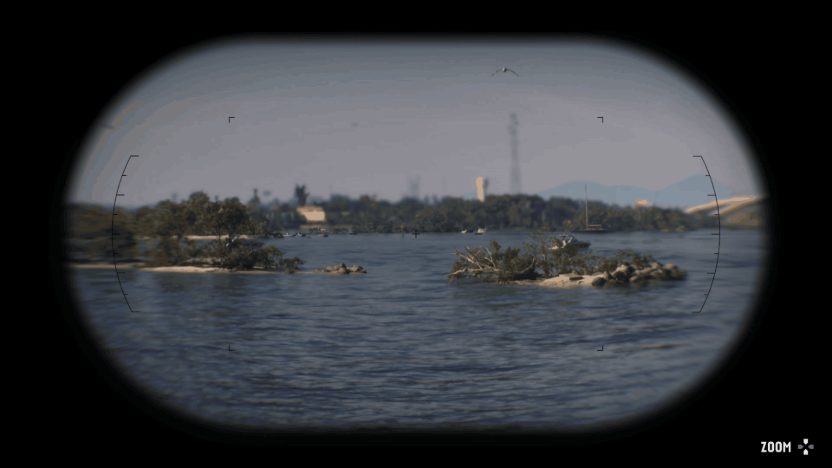
Any weapon with a scope or sight can give you a first-person view: aim with L2 (PS5) or LT (Xbox Series X|S), then press R3 or click the Right Stick to look down the sight. You can add optics to your guns at any Ammu-Nation (see all GTA 6 weapons).
This also works with the binoculars Jason has in his inventory from the start of the game. Since carrying weapons in public is suspicious, binoculars are the better choice if you want to move around and get a clearer view of your surroundings. Here’s how to use them:
- Bring up the weapon wheel by holding L1 (PS5) or LB (Xbox Series X|S).
- Select the binoculars, which are down and to the left by default.
- Hold L2 (PS5) or LT (Xbox Series X|S) to look through them. You can move your character while doing this.
- Use the D-pad to zoom in or out.
Part of your screen is covered in black to mimic the binoculars, but you can zoom in much farther than with Inspect Surroundings. Using binoculars may annoy some NPCs, but they won’t react as badly as they would if you pointed a gun at them.
What do you think of GTA 6’s limited first-person options? Do you think a future update or a new-gen port will bring back a full first-person mode? Let us know in the comments, and check out our GTA 6 controls guide and more GTA 6 guides.
or post as a guest
Be the first to comment.