
GTA+, Rockstar's monthly membership, now comes with benefits for GTA 6's story mode, not just GTA Online. Some of them unlock at certain points in the story, like the exclusive car you can claim from Chapter 3, while others are ongoing boosts that last as long as your membership is active.
If you bought GTA 6 digitally (Standard or Ultimate Edition) before November 20, 2026, you get one month of GTA+ for free. Physical copies don't qualify. Keep in mind that the free month turns into a paid subscription ($7.99 a month in the US) unless you cancel. You can claim it in the game, as shown below, or from your console's store: the GTA+ page on the PlayStation Store, or Store > your profile icon > Offers & credits on Xbox.
How to Claim Your Free GTA+ Month in GTA 6
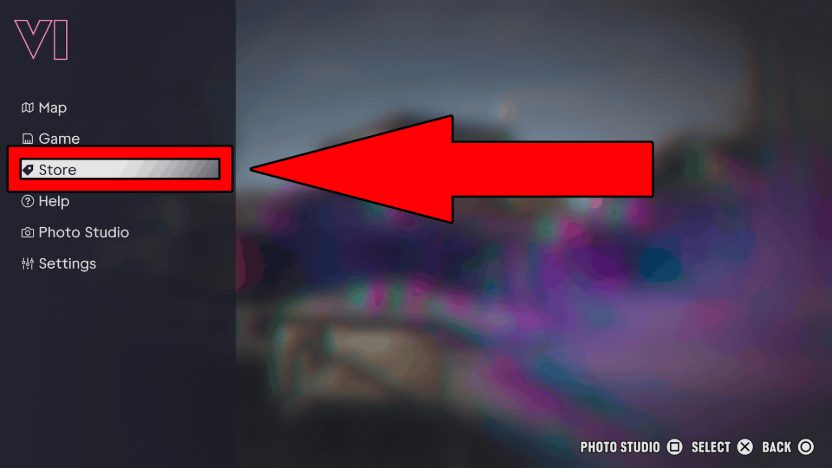
If you're eligible for the free month, boot up the game and do the following on PS5 or Xbox Series X|S:
- Pause the game by pressing the Options button (PS5) or the Menu Button (Xbox Series X|S).
- Pick the Store option.
- Scroll down to GTA+.
- Press X (PS5) or A (Xbox Series X|S) to accept your free month of subscription.
- You will see a pop-up message asking if you want to confirm it, so select the Accept option to proceed.
- Confirm Purchase.
Once it's active, you can use all the benefits for that month. PS5 players have until March 31, 2027 to redeem the free month, while Xbox Series X|S players have 180 days from their purchase.
How to Cancel Your GTA+ Subscription
The free month has auto-renewal turned on. If you don't want to keep paying, here's how to cancel on PS5:
- Go to your console home menu.
- Go to the top right and select Settings (it's the gear-shaped icon).
- Scroll down and select Users & Accounts.
- Select Accounts.
- Scroll down and select Payments and Subscriptions.
- Scroll down and select Subscriptions.
- Pick the GTA+: One Month Subscription option.
- Confirm the Cancel Subscription option.
On Xbox Series X|S, do the following:
- Go to the Xbox home menu.
- Go to Profile & System.
- Select Settings.
- Select Account.
- Go to Subscriptions.
- Pick the GTA+ option.
- Confirm the cancellation of your subscription.
You can also cancel through the PlayStation and Xbox account websites. Anything you've already claimed in the game stays yours, but ongoing benefits like the discounts stop once your membership ends.
All GTA+ Benefits in GTA 6
At launch, GTA+ members get the following benefits in GTA 6, and some of them help you make more money:
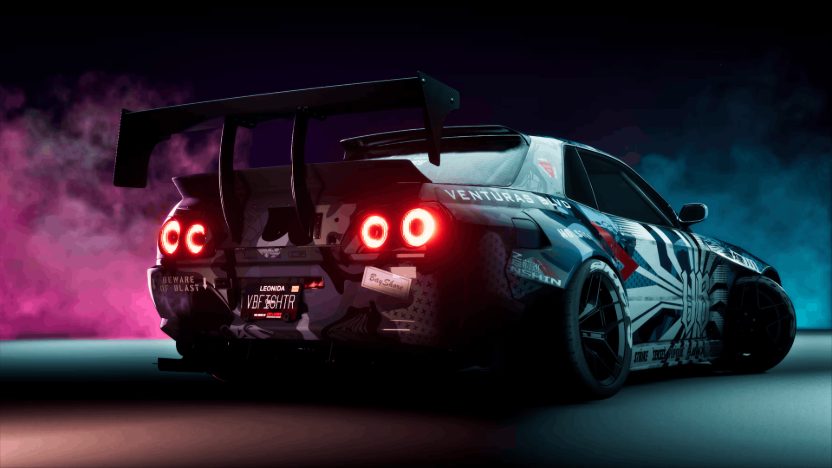
- '90 Annis Venturas BLVD Elegy & Crosstown Garage: a tuned sports car with an exclusive widebody kit, plus a single-car garage in Crosstown with a weapon locker and a spot to fence stolen goods. You can claim both from Chapter 3.
- 10% More From Vehicle Sales: you get 10% more when you sell eligible vehicles you own.
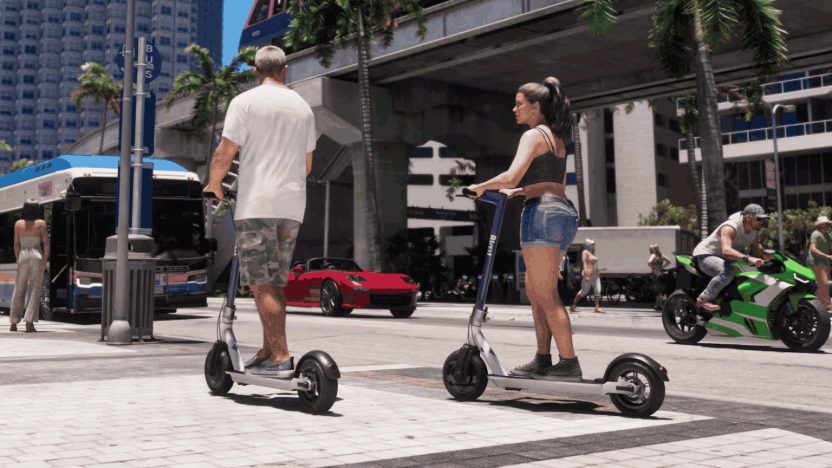
- Scooter Bros Premium Upgrades: once you unlock the Scooter Bros app in Chapter 2, you get free scooter, bike and Seashark rentals, along with premium RydeMe membership and free public transport.
- 10% Store Discounts: 10% off at weapon shops, clothing stores, hair salons, tattoo parlors and vehicle mod shops.
The '90 Annis Venturas BLVD Elegy is a widebody sports car with AWD, 5 gears and 2 seats. To claim it, you need an active GTA+ membership when you reach Chapter 3. Once claimed, the car and the garage stay yours even if you cancel later.
The discounts, the vehicle sale bonus and the transit perks are boosts you only need to switch on once: go to Settings > Account > GTA+ Boosts and turn them on.
Will you keep GTA+ after your free month? For more help, see how to fast travel with RydeMe, our GTA 6 money-making guide and all our GTA 6 guides.
or post as a guest
Be the first to comment.