
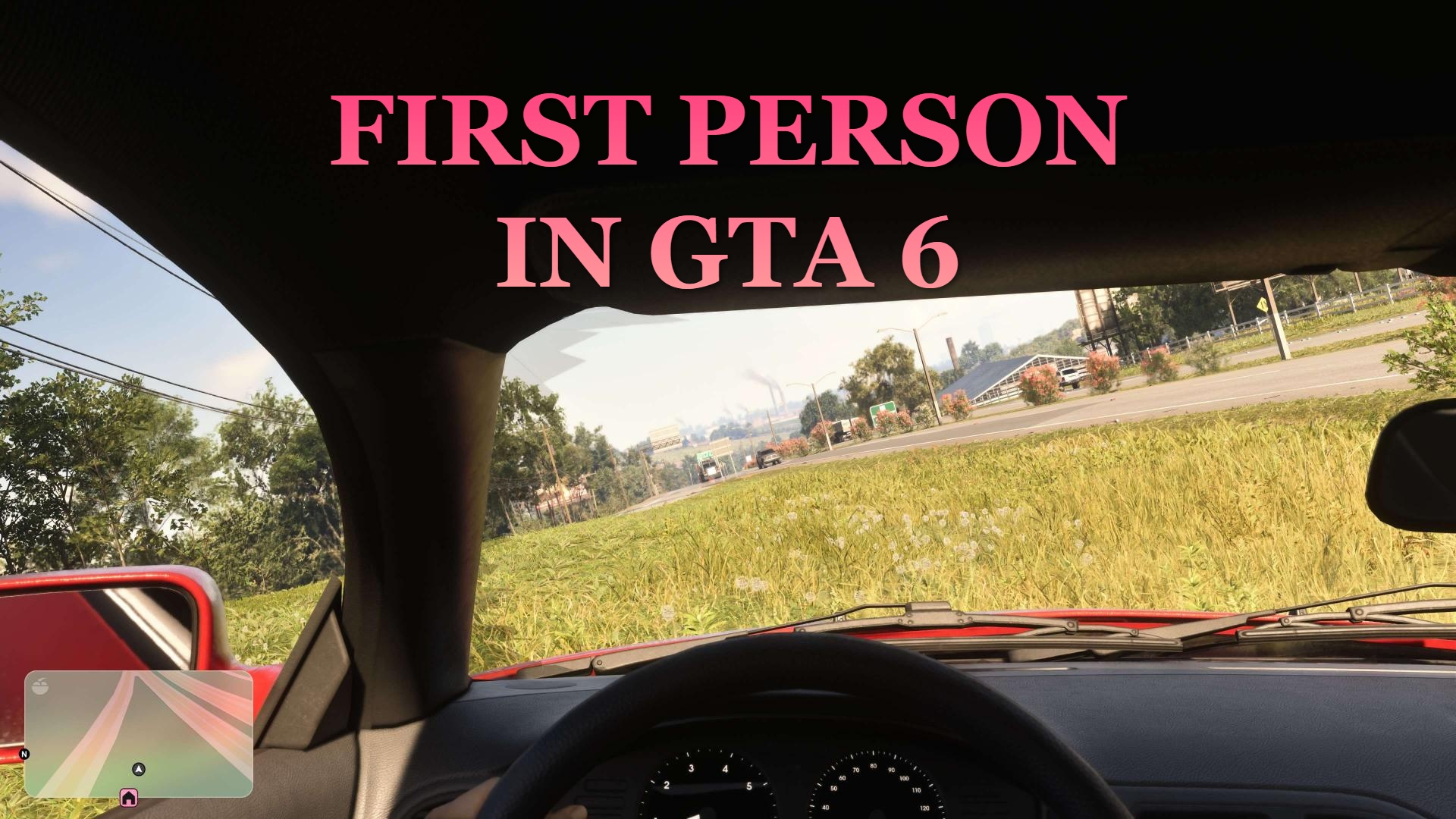
Despite the immense popularity of first person in GTA V and RDR2, GTA 6 launched without a dedicated button or function to enable first person in GTA 6. However, there is a way to enable it as of the time of writing this article. It might get fixed in the future, and Rockstar will most likely add a dedicated option, but for now this is the best way to enjoy GTA 6 in first person!
Is There a First Person in GTA 6?
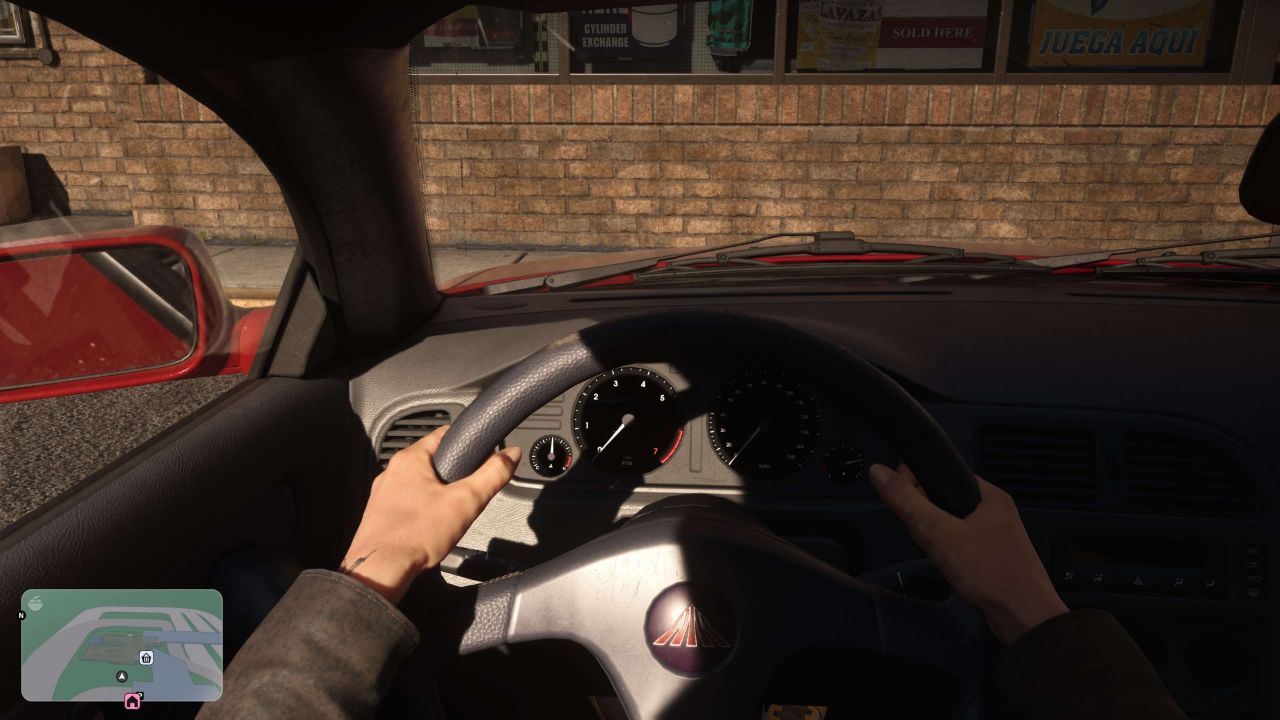
Officially, the short answer is no. There is no dedicated first person in GTA 6. However, the glitch was found that lets you enable this requested feature, and it works surprisingly well.
How Play in First Person in GTA 6 [GLITCH]
First of all, we must highlight that it is a glitch. It is very easy to reproduce, and you just need a couple of attempts, and you can play GTA 6 in first person in no time. Like with any glitch, we suggest you make a backup save just in case, in a separate save slot.
Step #1: Change Touch Pad Button / View Button Settings
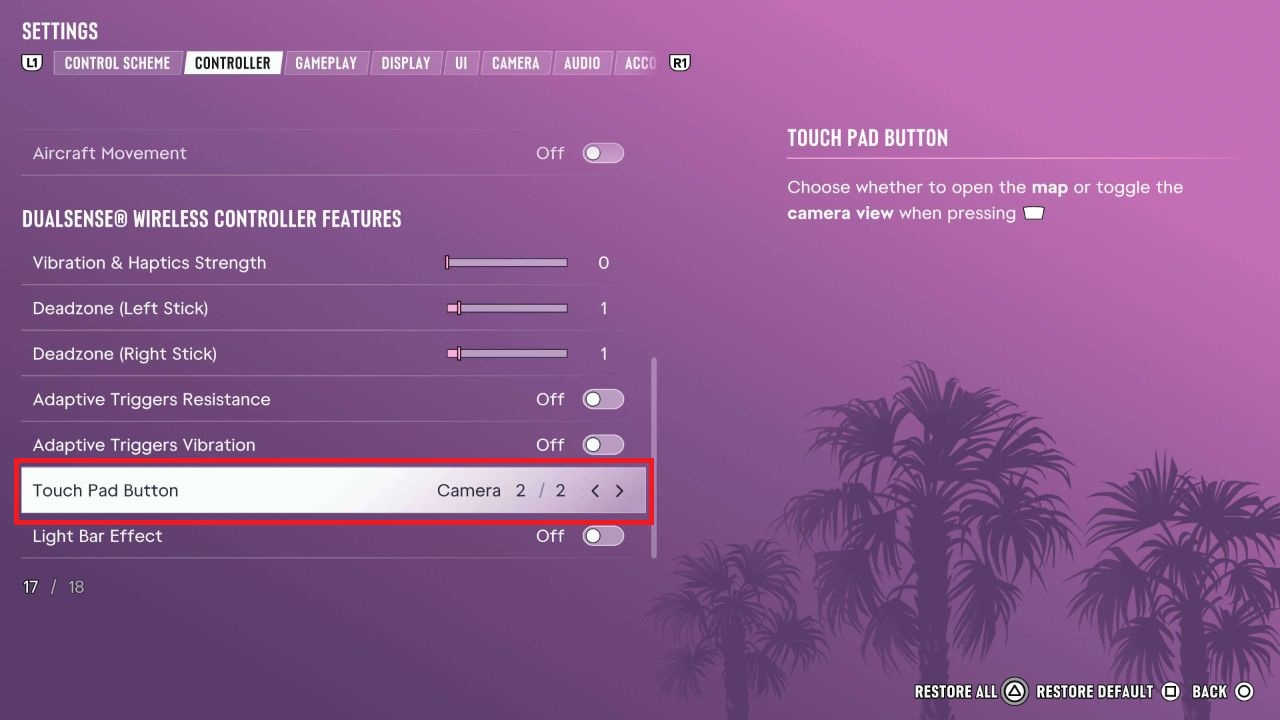
Firstly, you need to change one option in the settings menu. In the controller tab, scroll down until you see Touch Pad Button on PlayStation or View Button on Xbox. Change this setting from Map to Camera. Then just simply leave the settings.
Step #2: Enter Any Car in GTA 6
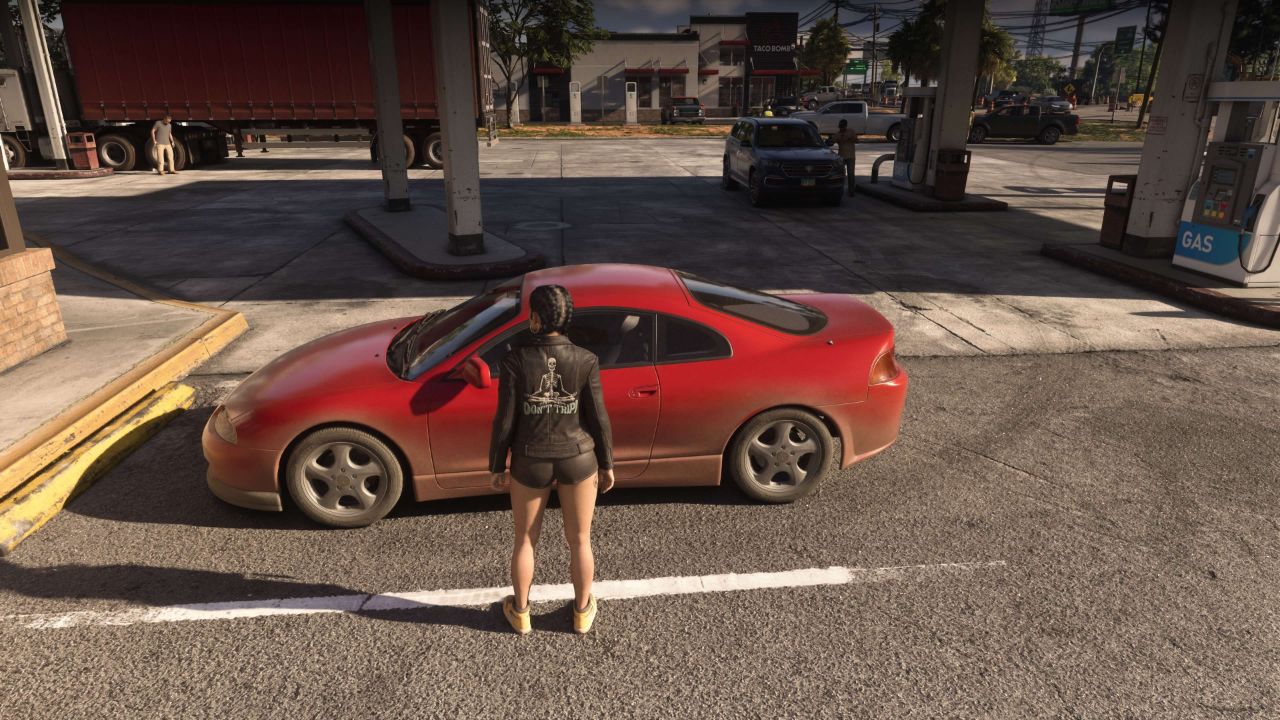
Next, all you have to do is enter any car. It can be your own car, a stolen car, or any other vehicle you can think of. You can do so by approaching a car and pressing Triangle on PlayStation or Y on Xbox.
Step #3: Open Up Your Phone in the Car
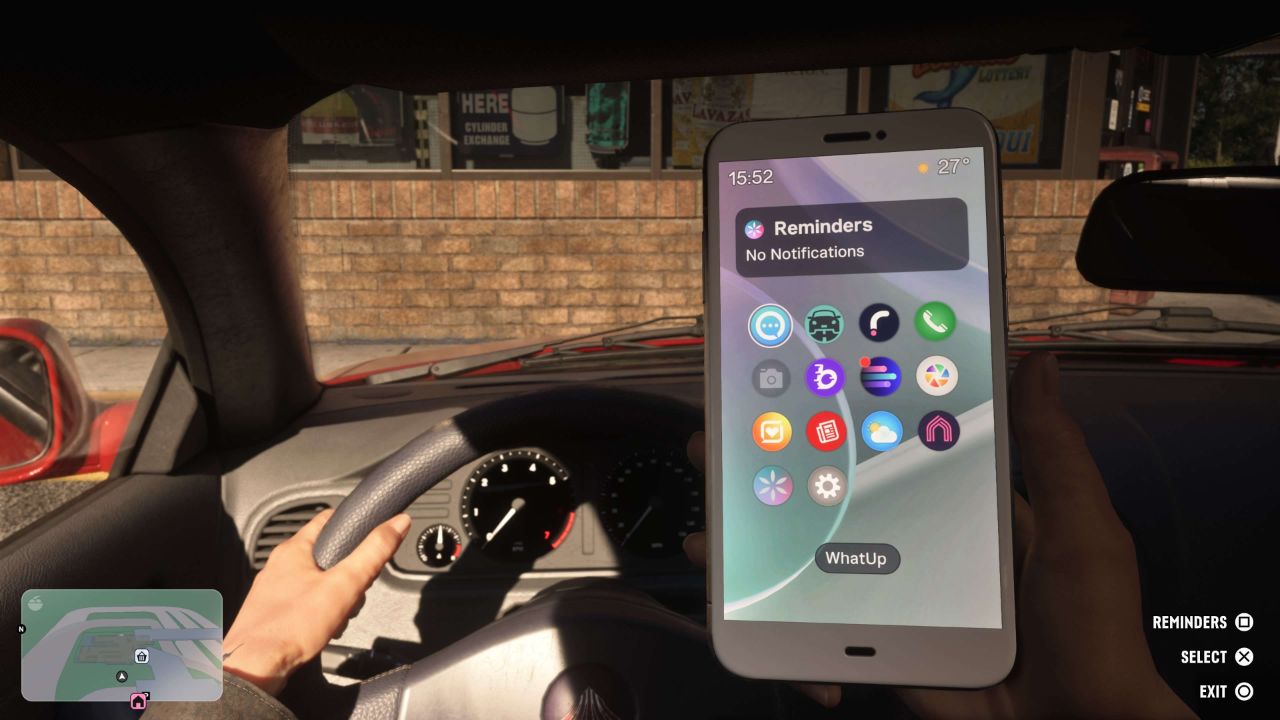
After sitting comfortably in the car, all you need to do is open up your phone. You can do so by pressing UP on the D-Pad on your controller.
Step #4: Exit Phone and Spam Camera Change
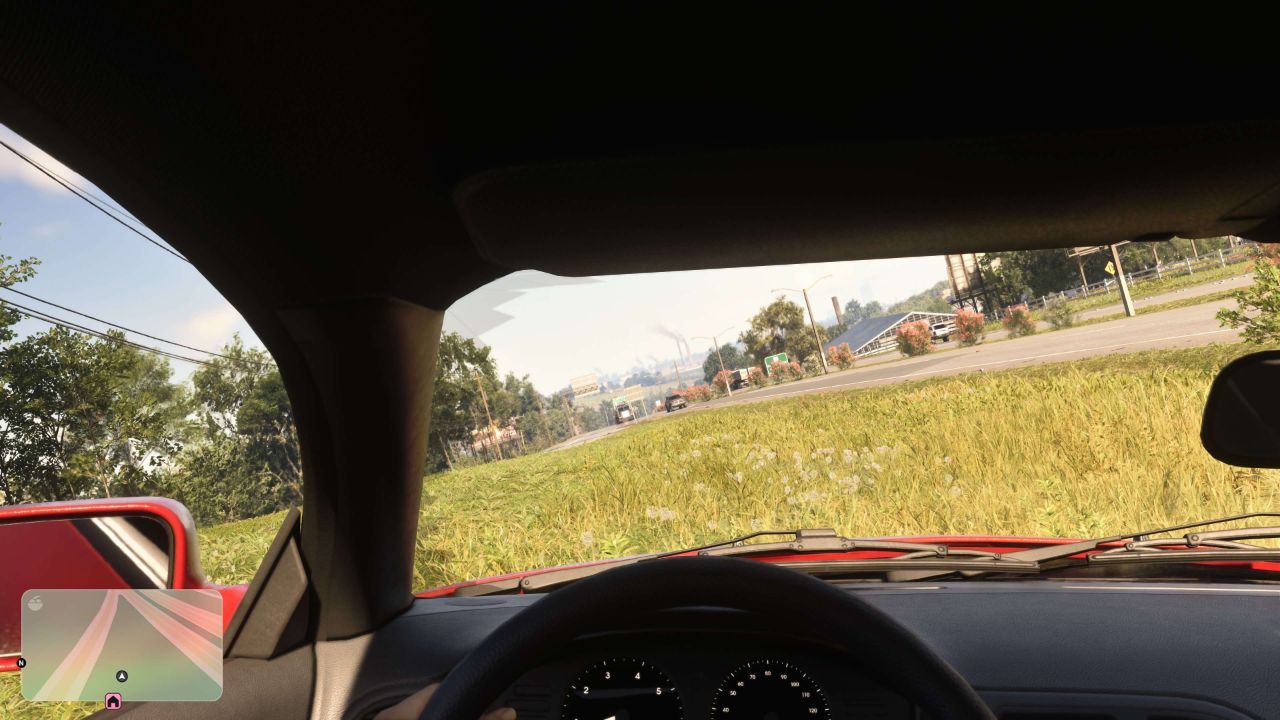
Finally, to enable this glitch, you have to exit your phone by pressing Square on PlayStation or B on Xbox and immediately spamming the Touch Pad Button on PlayStation or View Button on Xbox. It might take you a few tries, but if you are successful, your phone will disappear, and you will remain in the first person perspective.
Step #5: Enjoy Your First Peerson in GTA 6
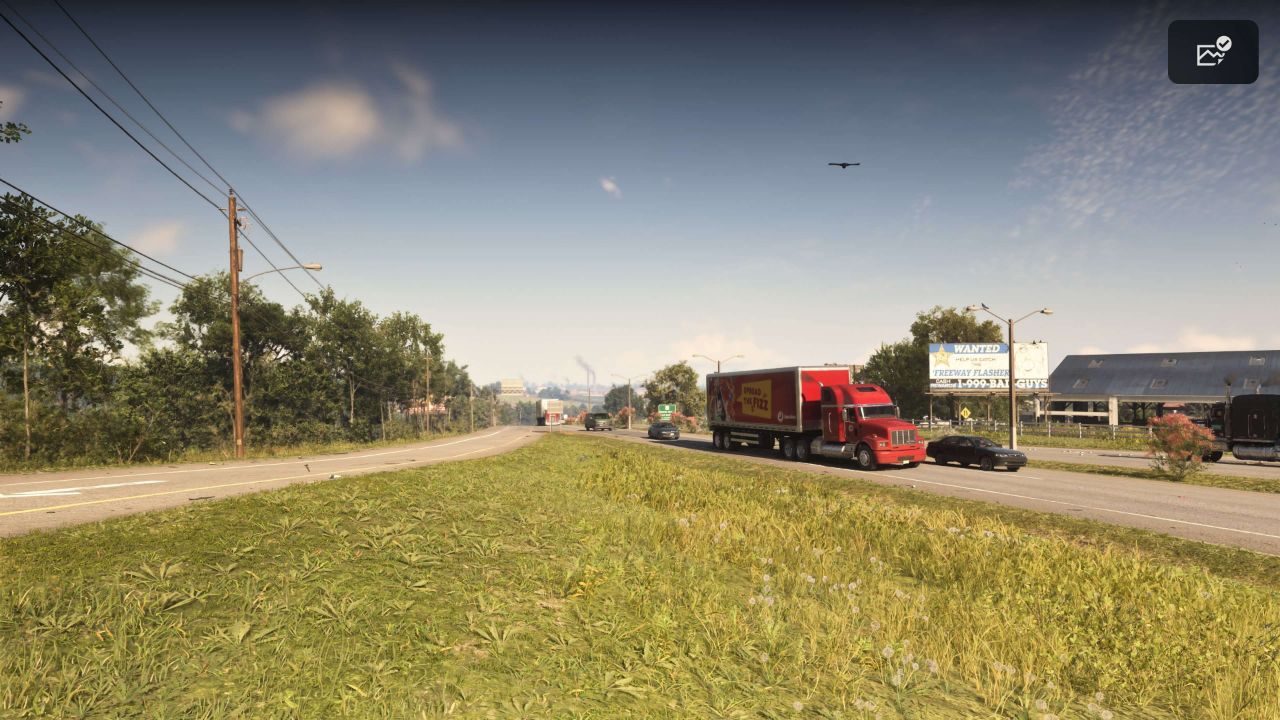
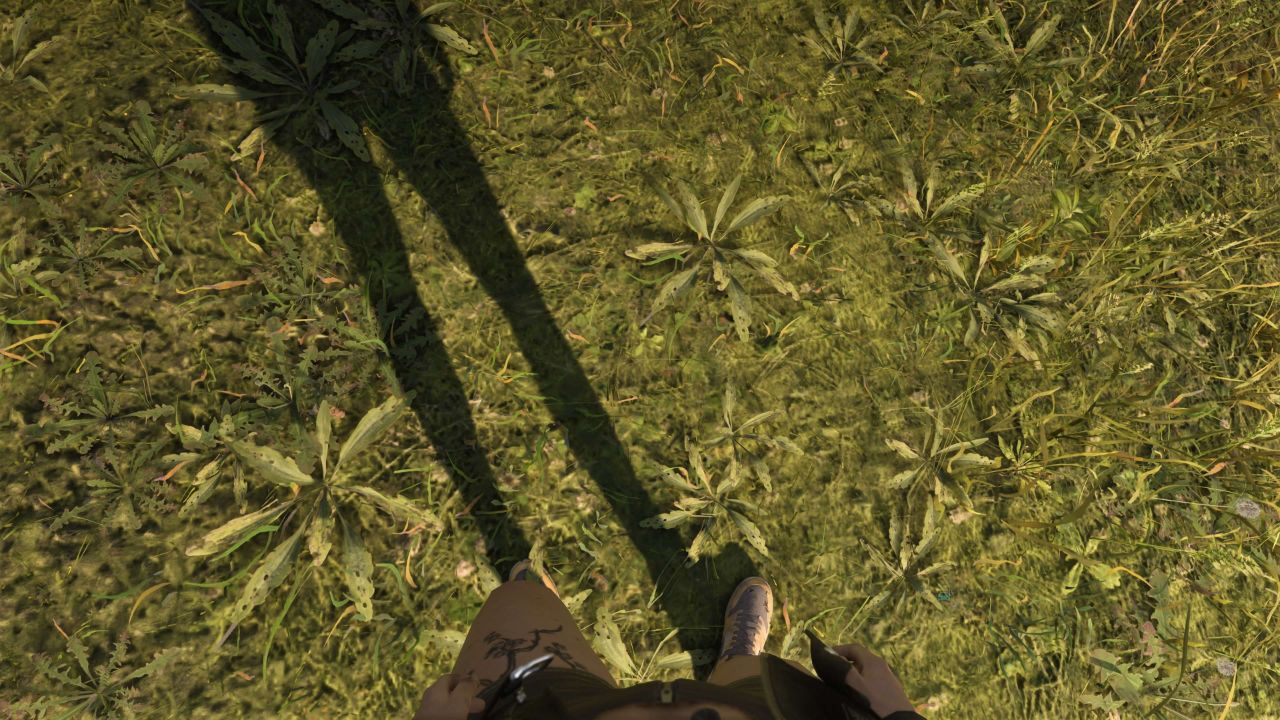
As you can see in the pictures above, all that remains is to simply enjoy the first person perspective and first person camera in GTA 6. You can do anything: run around, drive vehicles. There might be instances where the camera resets and the glitch ends; we have not tested everything due to this not being an official setting.
How to Restart First Person in GTA 6
Now the touch pad button or view button will not do anything. You are in a glitched state, and you are "stuck" in first person camera. However, the easiest way to restart the camera is by simply saving the game and loading the game back up. The camera settings will reset and return to normal.
New to Leonida? See our guide to what to do in your first hour in GTA 6, the full GTA 6 controls guide, and all our GTA 6 guides.
or post as a guest
Be the first to comment.