
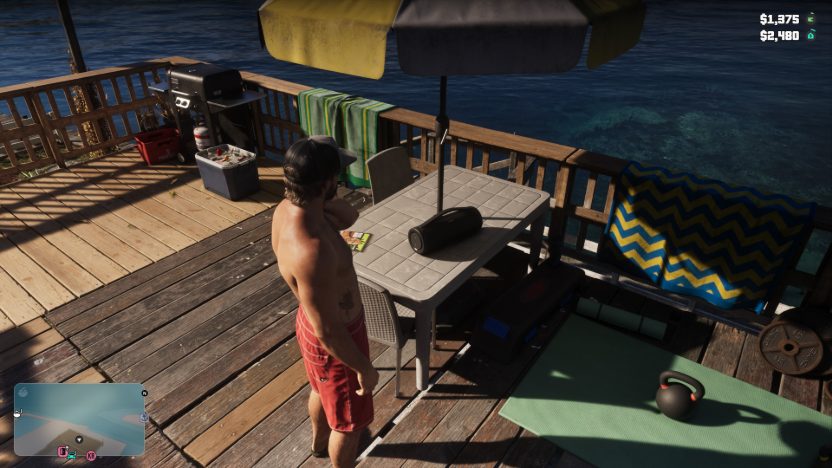
Grand Theft Auto 6 has one of the biggest and best soundtracks in gaming history. It features hundreds of songs across a wide variety of genres, with over 20 radio stations.
Previously in the series, you were limited to listening to these while in cars and other vehicles. However, one of the small additions to GTA 6 has given players the option to continue listening to their favorite songs in nearly all scenarios. You can check out the full list of radio stations and tracks in our guide.
How to Get Headphones in GTA 6
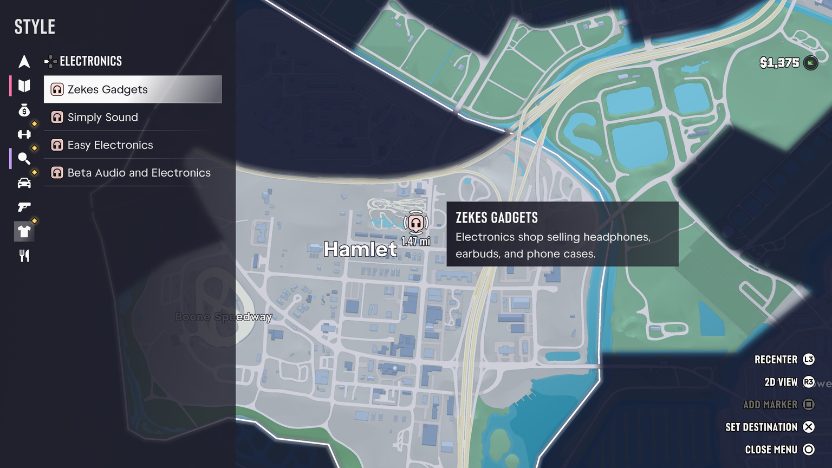
In GTA 6, Jason and Lucia can now listen to music in a number of ways, including at safehouses and with headphones when walking. When you start the game, Jason's first safehouse in Leonida Keys contains a radio on the decking that you can switch on and listen to any of the radio stations while you do the jobs to fix up the house or work out.
For most players, though, it will be the opportunity to buy headphones and continue to listen to music while stepping away from your car. This can be useful in any situation where you have to go off the beaten track or during missions when you're on foot.
When you start Chapter 1, Jason won't have access to headphones straight away; instead, you need to buy them from certain electronic shops. At first, none will appear on the map until you discover a portion of Leonida which contains one of the shops.
While not in Key Lento, the nearby built-up area, Hamlet, does contain one of these shops, which is only about 3 miles from Jason's first safehouse. Electronic shops are marked on the map by a pair of headphones. In total, there are 15 shops across Leonida, with the majority in Vice City or the other towns across the map.
The shop Zeke's Gadgets sells headphones, their only item at the start of the game, and they can be seen on display in the cabinet. You can interact with the item and then pick which pair you want. They cost $119 for a white or black pair, or $139 for any other color.
How to Use Headphones to Listen to Music on Foot
Once you've purchased them, you need to equip your headphones to be able to listen to the radio stations. You need to first bring up the weapons menu and switch to items. Once you have equipped your headphones, you need to open up the radio stations menu as you do when you are driving. You can then pick your favorite tunes to listen to through your headphones while you walk around Leonida.
It does come with one catch: they work too well! When walking with them around Leonida, they completely shut out all other noise. So you can't hear what the NPCs around you are saying. It also means it isn't advisable to use them when completing side quests where you need to hear what is going on around you.
You can learn more about all of the missions available in GTA 6, find shops on the GTA 6 interactive map, and check out more GTA 6 guides.
or post as a guest
Be the first to comment.